Today's Guide to the Marketing Jungle from Social Media Examiner...
presented by

Friday is almost here, Alluser! Before you unplug, here’s one last round of insights and updates. Whether you read them now or save them for later, you won’t want to miss these.
True or False? I use Claude more than I use ChatGPT. NO or YES.
In today’s edition:
Transcribe slides from your next meeting, on the go, with NotebookLM
Getting started with OpenClaw
🗞️ Industry news from Anthropic, OpenAI, LinkedIn, and more

Turn Meeting Slides Into Searchable AI Insights in Seconds
Instead of manually transcribing complex slides at your next meeting or event, use the NotebookLM camera feature to snap a photo that instantly converts the presenter’s frameworks into a searchable AI source.
Here is your step-by-step guide to making it happen using the mobile interface:
Sign into notebooklm.google.com on your mobile device.
Open the specific Notebook you want to use or create a new one.
Once inside your notebook, look for the Sources section, and tap the "+" (Add Source) button.
Select the "Upload from device" or "Local file" option. When your phone prompts you to choose where to get the file, select Take Photo or Video (iOS) or Camera (Android).
Take the photo of the slide and tap Use Photo.
Once the upload is complete, the slide will appear as a Source in your sidebar, and NotebookLM will automatically generate a Source Guide that summarizes the key frameworks it found in that photo. You can now type a question like, "Explain the four pillars of the growth framework from the slide I just took," and get a detailed breakdown based on the visual data.
For more easy to implement AI tips, explore the AI Business Society.

All the insights. None of the travel.
A Virtual Ticket to Social Media Marketing World gives you everything that matters — without the flights, hotels, or time away from home.
You get:
🔥 Peace of mind that your strategies are current
🔥 Techniques you can put to work right away
🔥 Results your boss or clients will love
🔥 $200 off when you click the link below
Hours of world-class content you can watch anytime, anywhere. Plus, master AI implementation with 20 dedicated sessions from AI Business World — included at no extra cost.
Watch from anywhere.
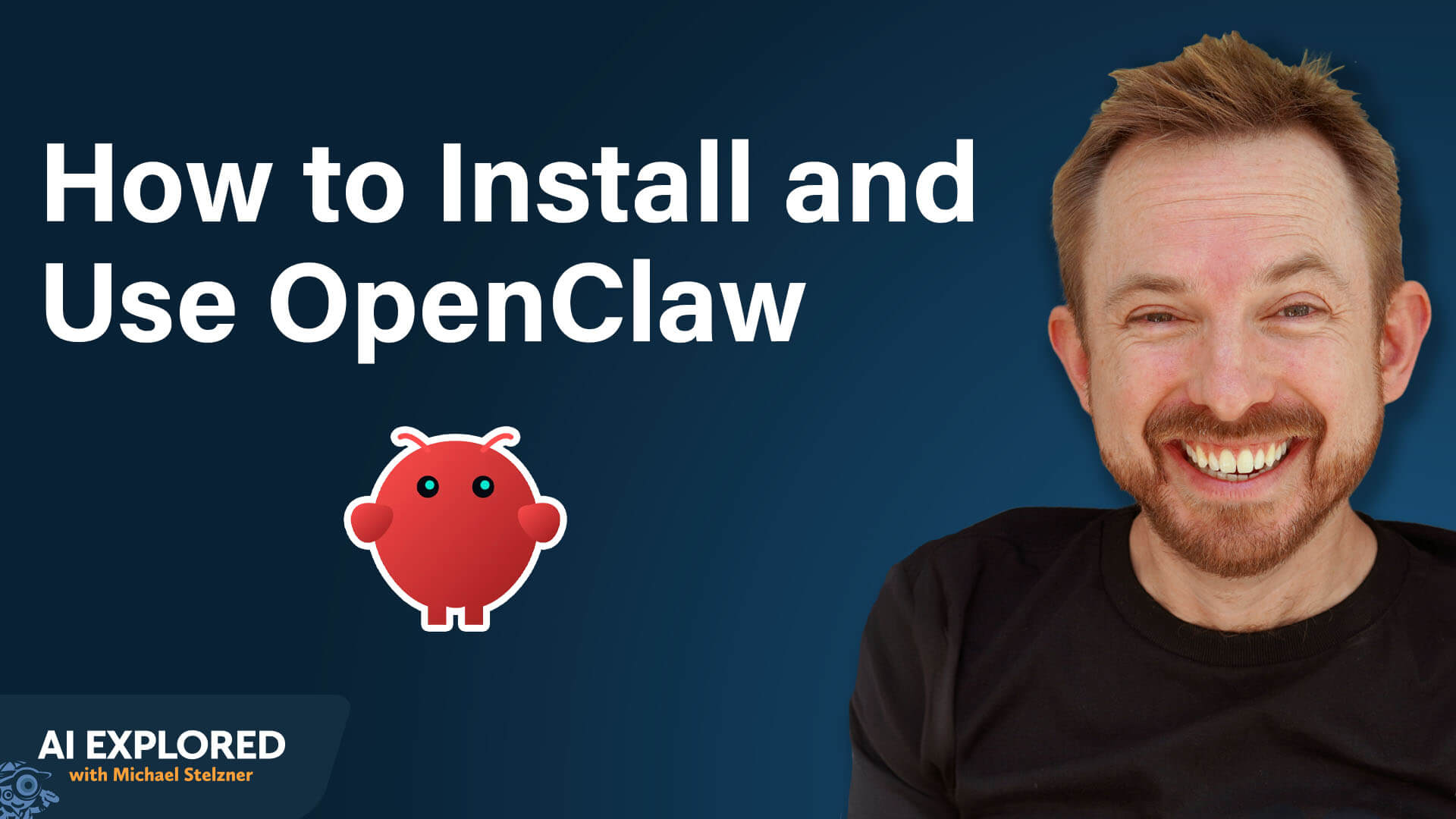
Getting Started With OpenClaw: Step-by-Step to Your First Bot
There is a misconception that OpenClaw, in particular, is insecure and will leak your credentials. Mike Russell describes this as a myth. With every update, OpenClaw has actively hardened its security, and when deployed correctly on a cloud server with a basic firewall in place, it's more secure than most people assume.
That said, because OpenClaw can access every file on the machine it runs on, Mike strongly recommends against installing it on your main working computer until you've built confidence in how it behaves.
Install OpenClaw
DigitalOcean and Hostinger both offer one-click installers for OpenClaw, which walk you through setup and onboarding without requiring any technical knowledge.
For a local install on your own machine, the process is only slightly more involved: you open a terminal window, type a single-line command, and the installer handles everything from there. Then you step away for about five minutes while it completes.
Pro Tip: When searching for OpenClaw, be careful. Peter Steinberger had to change the project's name three times, and when they finally settled on OpenClaw, they had to implement the change almost instantaneously. The official site is openclaw.ai.
Choose Your AI Provider
During onboarding, OpenClaw will ask you to connect an AI model. The two most popular options are Anthropic (Claude) and OpenAI (ChatGPT).
Anthropic
Based on both his own testing and the consensus he's seen across other creators working with OpenClaw, Mike's direct recommendation is Claude Opus for complex, high-stakes tasks. Claude Sonnet works well as an everyday driver and is significantly less expensive than Opus. For truly complex orchestration work, Mike runs Claude Max at the $200/month tier alongside Claude Code—installed on the same machine as OpenClaw—which gives him the ability to build and modify very advanced workflows.
One important caveat: Anthropic considers using Claude's monthly subscription plans (Pro or Max) to power OpenClaw a terms-of-service violation, and some accounts have reportedly been banned for it. To align with compliance, use API access—you can set this up through Anthropic's API using your existing account and pay for usage directly, which keeps you on solid ground.
OpenAI
OpenAI explicitly allows and encourages using their subscription plans to power OpenClaw, so either their monthly plan or API access works fine.
Google Gemini
Google Gemini is compatible, though Mike mentions he's encountered reports from other creators about Gemini having issues executing tool calls in this environment, which is a meaningful limitation.
Secure Your Setup
Once OpenClaw is running on a VPS, Mike recommends setting up a firewall. A firewall closes all unnecessary network access points and keeps only the ones OpenClaw actually needs open. Combined with the access credentials you create during setup, this makes a well-configured OpenClaw instance quite secure.
He notes that most of the VPS providers he mentioned generally allow you to run a firewall around your cloud computer.
Pick Your Communication App
You'll need to connect a messaging app to interact with your agents.
Mike's strong preference is Telegram, which he wasn't using before OpenClaw came along. Telegram is free to use for this purpose.
Using WhatsApp is technically possible, but it has two practical problems: running an agent on it optimally requires a dedicated phone number for the agent, and once connected, the agent can see all messages in the account, meaning anyone who messages you might unexpectedly get an AI reply.
Telegram sidesteps both issues. You create bots inside Telegram using a built-in tool called Bot Father, which lets you spin up a separate, isolated bot for each agent.
Run the Initialization Prompt
The moment OpenClaw finishes setting up, it opens a chat window and essentially asks, “Who am I, who are you, and what are we doing here?”
Give OpenClaw your name and the names of your businesses, then tell it to use the internet to research those names and return a summary of who it thinks you are and what you do.
I'm Mike Russell from Creator Magic.

I also have a twenty-year history with Music Radio Creative.

Go research those names and companies, find out everything you can, and come back and tell me what you've learned.
The agent will search the internet to find social profiles, website content, podcast transcripts, blog posts, and return with a detailed, often surprisingly accurate profile.
If the profile it returns has errors, correct them conversationally.
If something is substantially right, tell the agent to commit that information to memory.
Pro Tip: If you have a common name, don't rely on the open-ended search. Instead, provide direct links to your online channels (LinkedIn, YouTube channel, your business website, etc.) so the agent can pull accurate information about the right person.
Other topics discussed include:
How OpenClaw Works
Correcting Information in OpenClaw’s Memory
Real-World Examples of OpenClaw Agents
Create Your First Bot With OpenClaw: Gmail Triage
Today's advice provided with insights from Mike Russell, a featured guest on the AI Explored podcast.

They'll Look to You for Answers
Imagine being the person everyone turns to for AI solutions. Not because you're the boss, but because you actually know how to make AI work.
The AI Business Society gives you the advanced strategies, expert guidance, and community that turn AI users into AI experts.
"I think one of the most impactful things about being part of AI society is my ability to trial and error. If I have an issue, I reach out to the members of the society, and they can help resolve things really quickly," says member Melissa McClary Davis.
Get my AI advantage.

Google Launches Gemini Embedding 2 for Multimodal AI Applications: Google has moved Gemini Embedding 2 to general availability, providing developers with a production-ready solution for multimodal search and reasoning. By unifying text, image, video, and audio understanding into a single system, the update simplifies AI development workflows and enables more advanced applications across industries. Google
Google Launches Gemini Enterprise Agent Platform for Scalable AI Workflows: Google has unveiled the Gemini Enterprise Agent Platform, a comprehensive solution for building and managing autonomous AI agents at scale. By integrating model development, security, and orchestration into one system, the platform enables enterprises to deploy and govern AI agents more efficiently, marking a significant step toward operationalizing AI across business functions. Google
OpenAI Launches Privacy Filter for Scalable, Context-Aware Data Protection: OpenAI has introduced Privacy Filter, an open-weight model designed to detect and redact sensitive personal information in text with high accuracy. Built for real-world AI applications, the model combines strong language understanding with efficient, local processing to help developers implement robust privacy safeguards across their systems. OpenAI
OpenAI Launches Workspace Agents to Power Team Automation in ChatGPT: OpenAI has unveiled workspace agents in ChatGPT, allowing teams to build and deploy shared AI agents that can manage complex workflows across tools and departments. Powered by Codex, these agents operate autonomously with enterprise-grade controls, helping organizations streamline operations, scale knowledge, and improve productivity through collaborative AI automation. OpenAI
OpenAI Launches GPT-5.5: OpenAI has unveiled GPT-5.5, a next-generation model built to handle complex, multi-step tasks with greater autonomy and efficiency. With major improvements in coding, research, and real-world problem solving—while maintaining speed—GPT-5.5 marks a significant step toward AI systems that can independently execute end-to-end workflows across professional and scientific domains. OpenAI
LinkedIn Launches Crosscheck to Benchmark AI Model Performance: LinkedIn is testing Crosscheck, a new Labs feature that enables professionals to compare AI model outputs side-by-side and rate their effectiveness. By aggregating user feedback into industry-specific leaderboards, the tool aims to provide insight into real-world AI performance while helping developers refine their models, signaling LinkedIn’s growing focus on the evolving AI ecosystem. LinkedIn
Anthropic Expands Claude with Creative Tool Integrations for End-to-End Workflows: Anthropic is rolling out new connectors that embed Claude into popular creative software, enabling professionals to automate tasks, generate assets, and streamline multi-tool workflows. Anthropic
Microsoft and OpenAI Restructure Partnership: Microsoft and OpenAI have amended their long-term agreement to simplify collaboration. With OpenAI gaining multi-cloud flexibility and Microsoft maintaining key infrastructure and licensing advantages, the updated deal reinforces their joint commitment to scaling AI technologies globally. OpenAI
OpenAI Expands AWS Partnership: OpenAI and Amazon are deepening their collaboration by bringing OpenAI’s models, Codex, and agent capabilities to AWS through Amazon Bedrock. The move enables enterprises to build and deploy AI applications within their existing cloud environments, streamlining development while ensuring security, scalability, and governance at production level. OpenAI
What Did You Think of Today's Newsletter?
Michael Stelzner, Founder and CEO
P.S. Add
michael@socialmediaexaminer.com into your contacts list. Use Gmail?
Go here to add us as a contact.
We publish updates with links for our new posts and content from partners. Your information: Email:
tukangpostemel@gmail.com Opted in on: 2021-09-06 17:03:43 UTC.




