Today's Guide to the Marketing Jungle from Social Media Examiner...
presented by 
Friday is almost here, Alluser! Before you unplug, here are the latest AI insights and updates for marketers. Whether you read them now or save them for later, you won't want to miss these.
In today's edition:
-
The one word that transforms a basic AI chat into a high-level strategy session
-
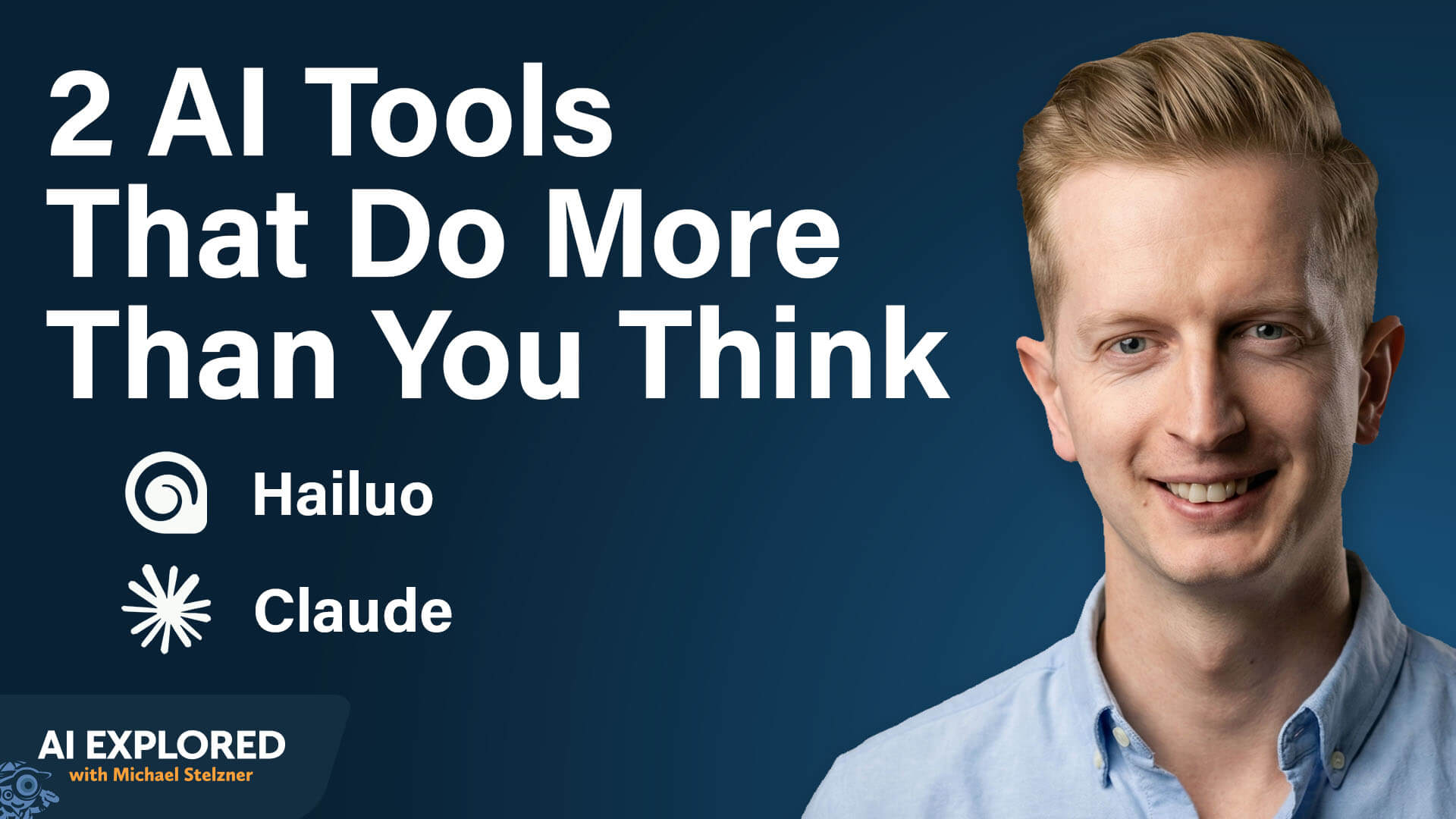
Two AI tools that do more than you think
-
🗞️ Industry news from Google and OpenAI
Add This Word to Your AI Instructions to Get Better Strategic Recommendations
When you ask AI avatars to help you develop or solve something, do they give you an agreeable stance aligned with exactly what you just typed in, rather than asking questions or surfacing insights that help you improve what you're trying to achieve?
To stop AI from simply parroting your ideas back to you, use the word "dialectic" in your system instructions. This specific keyword triggers the AI to simulate a healthy debate between different perspectives, forcing your avatars to bounce ideas off each other and surface blind spots you might have missed.
Your collective goal is to help me make better decisions by surfacing blind spots, offering specific expertise, constructive feedback, and providing dialectical debate to find productive solutions and outcomes.
This tip comes from the Rules of Engagement master prompt list we use to keep AI in check, available when you join the AI Business Society.

Finally, AI Training That Actually Works
You've tried the tools. You've watched the webinars. But you're still not sure what actually works—or what to do next. That ends here.
AI Business World is where you learn from marketers who've already solved the problems you're facing.
"The AI keynotes were the most valuable information I've received at a conference in years. Worth the price of admission!" said Sarah Burt.
20 hands-on sessions. Real practitioners. No panels. Just proven workflows you can use before you even fly home.
No theory. Just results.
Learn AI that works.
The AI Tool Stack That Saves Creators Hours Every Week
Creating Video With Hailuo AI
Hailuo AI is an AI platform that functions as an aggregator for both image and video generation. Rather than offering a single proprietary model, it houses a range of leading models in one interface — including Nanobanana Pro, Google Veo 3, Kling, and Hailuo AI's own image and video models. For audio, it integrates MiniMax audio.
René compares it to tools like Higgsfield Imagine Art or AIVideo, but the feature that sets Hailuo AI apart is its agentic canvas capability. When you enter a prompt, the tool opens what René describes as a white canvas. The system generates multiple images or video clips simultaneously, and you can watch the completion percentage for each asset as they render side by side. Once they're done, you can tell it — through a simple chat prompt — to combine specific clips into a single downloadable video file. No manual stitching in a separate editor is required.
Using a brief descriptive prompt specifying the style and setting, the platform generated 15 images, converted them into short video clips, combined them into roughly 1.5 minutes of footage, and added a soundtrack — all from a single request. He notes that AI generation still produces imperfect results that require minor editing, so he brought the final video into his editor to remove a few weak segments before publishing.
Once Hailuo AI has generated your individual clips, combining them requires no separate editing software. You simply type a chat instruction, and the tool merges them into a single downloadable file.
Combine videos 3 and 7 together.
From there, you bring the final output into your video editor to trim any segments that don't look right, since AI generation will almost always produce a few imperfect moments.
Pro Tip: Using Reference Images for Visual Consistency : To keep a product or person looking the same across multiple generated clips, René recommends the image-to-video approach. You upload a single reference photo — a product shot or a photo of yourself — and Hailuo AI uses that asset as a visual anchor when generating new footage. The tool takes the reference in and produces clips where the product or person maintains a consistent appearance across all generated assets, rather than varying randomly from shot to shot.
Creating Thumbnails and Images With Hailuo AI
For a lighter use case, René uses Hailuo AI to generate eight styled article thumbnails in under 2 minutes.
He provides the text he wanted to appear in each image, plus a reference image showing the visual style he was after, and the platform produced all eight variations at once.
He also uses this approach to generate multiple photos of himself from different camera angles for YouTube thumbnails, uploading a single forward-facing photo and prompting the tool to produce wide-angle and alternative perspective versions.
Creating Shareable, Interactive Documents With Claude Artifacts
Claude Artifacts are formatted documents, closer to an online Google Doc than a plain text response, that can be made publicly accessible via a shareable link. René uses them primarily as lead magnets and freebies distributed on social platforms.
He posts a carousel or video on Instagram or Facebook, tells viewers to comment for a link, and sends them a Claude Artifact containing the promised resource. Because Facebook doesn't allow file uploads in comments, only images, the shareable Artifact link solves the distribution problem cleanly. René can also track how many people have viewed the Artifact by checking back in Claude.
For example, after posting a list of 99 YouTube video ideas to go viral in 2026, he created an Artifact that compiled all the ideas, included a visual screenshot of the full list, and embedded links to tools he recommends — including his own products and affiliate partners. Everyone who engaged with his social post got the link.
Artifacts support more than static text. They can include gradient color treatments, custom font styling, clickable hyperlinks, dropdown menus, and interactive charts. When René created an Artifact containing seven long-form prompts, the text was too extensive to display cleanly in a linear document, so Claude recognized that the content required a collapsible format and automatically added a dropdown menu without being asked.
To prompt Artifacts that look designed rather than plain, René recommends two things: name a reference style:
Design this in the style of Stripe's website and upload at least one reference image.
Editing an Artifact works differently from editing a Google Doc. You cannot click directly into the text and start typing. Instead, highlight the specific text you want to change, right-click it, and give Claude an instruction for that section only, for example, "rewrite this to be shorter" or "change this heading to reflect X." This inline prompting approach means you have precise control over individual sections without regenerating the entire document from scratch.
Other topics discussed include:
-
Creating Product Ads With Hailuo AI
-
Creating Email Responders and Advisors with Claude Projects
-
Integrating Third-Party Tools With Claude Connectors
-
Developing Software with Claude Code
Today's advice provided with insights from René Remsik, a featured guest on the AI Explored podcast.
For Marketers Tired of Repeating Themselves
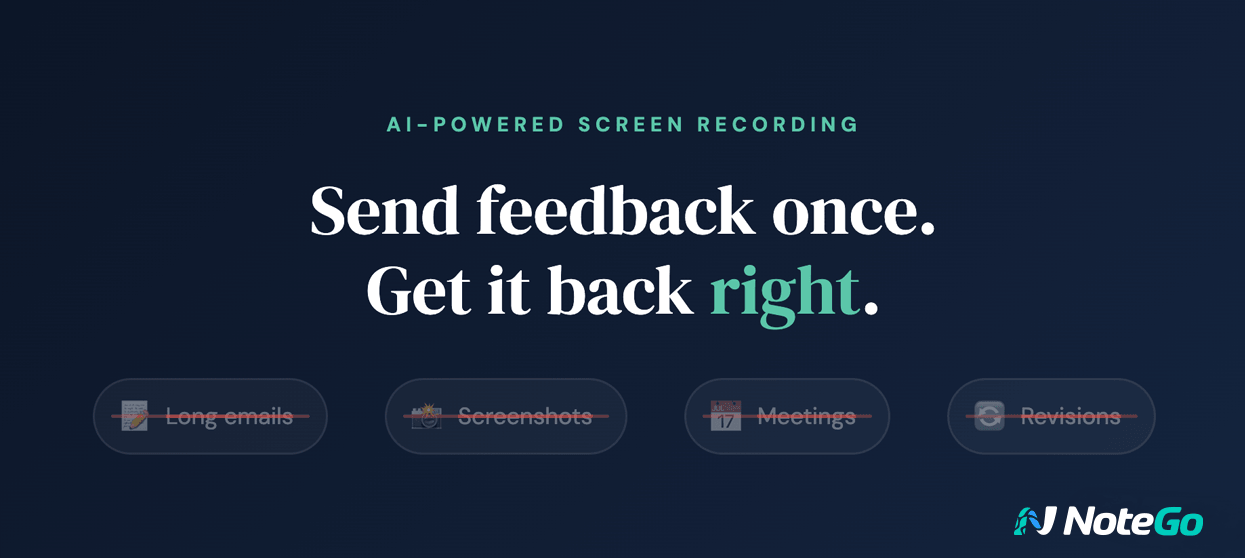
You already know how this goes. You record a video, write out the details, attach screenshots—and the revision still comes back wrong.
With NoteGo, you quickly show what needs to change. AI captures every key moment, so nothing gets missed. Send it. They get it. Move on.
See how it works in 41 seconds.

Google Expands Personal Intelligence Across Search and Gemini: Google is broadening access to its Personal Intelligence feature, bringing deeply personalized AI experiences to AI Mode in Search, the Gemini app, and Gemini in Chrome in the U.S. By connecting data across services like Gmail and Google Photos, the system can deliver highly tailored recommendations, from shopping suggestions to travel itineraries and tech support. Google
OpenAI Introduces GPT-5.4 Mini and Nano for Faster, Scalable AI Workflows: OpenAI has released GPT-5.4 mini and nano, two lightweight models designed to deliver strong performance at significantly lower cost and latency. GPT-5.4 mini offers near frontier-level capabilities across coding, reasoning, and multimodal tasks while running more than twice as fast as its predecessor, making it ideal for responsive developer tools and subagent workflows. GPT-5.4 nano, the most efficient option, is tailored for simpler, high-volume tasks like classification and data extraction. OpenAI
What Did You Think of Today's Newsletter?
Michael Stelzner, Founder and CEO
P.S. Add
michael@socialmediaexaminer.com into your contacts list. Use Gmail?
Go here to add us as a contact.
We publish updates with links for our new posts and content from partners. Your information: Email:
tukangpostemel@gmail.com Opted in on: 2021-09-06 17:03:43 UTC.




