Today's Guide to the Marketing Jungle from Social Media Examiner...
presented by 
Here's a recap of the most important insights, trends, and updates you need to know about today, Alluser! Catch up in minutes and go into the rest of the week prepared.
In today's edition:
-
Tools to manage your TikTok content and marketing workflow
-
Build thriving communities through email sequences
-
🗞️ Industry news from Instagram, LinkedIn, YouTube, and more

TikTok Content Creation Apps You Should Have on Your Phone
Content creation can feel expensive fast. Between video editing apps, design platforms, scheduling tools, and AI subscriptions, the monthly costs add up—especially if you're running a small team or managing everything yourself.
This list of 10 cost-effective apps from Keenya Kelly takes a different approach. It focuses on the essentials: editing content on your phone, organizing files so your storage isn't constantly full, planning and collaborating with your team, tracking performance, and using AI in a practical way.
These are accessible tools with no-cost versions you can start using immediately. No complicated setup. No unnecessary upgrades. Watch more here.
Get Strategies You Can Implement Immediately
Stop wasting time collecting generic marketing advice. Social Media Marketing World delivers specific strategies you can put to work before you even leave the event.
"Great lineup of speakers! Content was great, relevant, and useful. I walked away with many things that I could start doing right away," said Beth Harner.
Every session is designed for immediate implementation:
🚀 AI workflows that streamline your content creation
🚀 Instagram tactics that boost engagement fast
🚀 LinkedIn strategies that generate qualified leads
🚀 Video creation shortcuts that save hours each week
Plus, your All-Access Ticket includes an extra day of workshops where we go even deeper into implementation.
Claim your spot now.
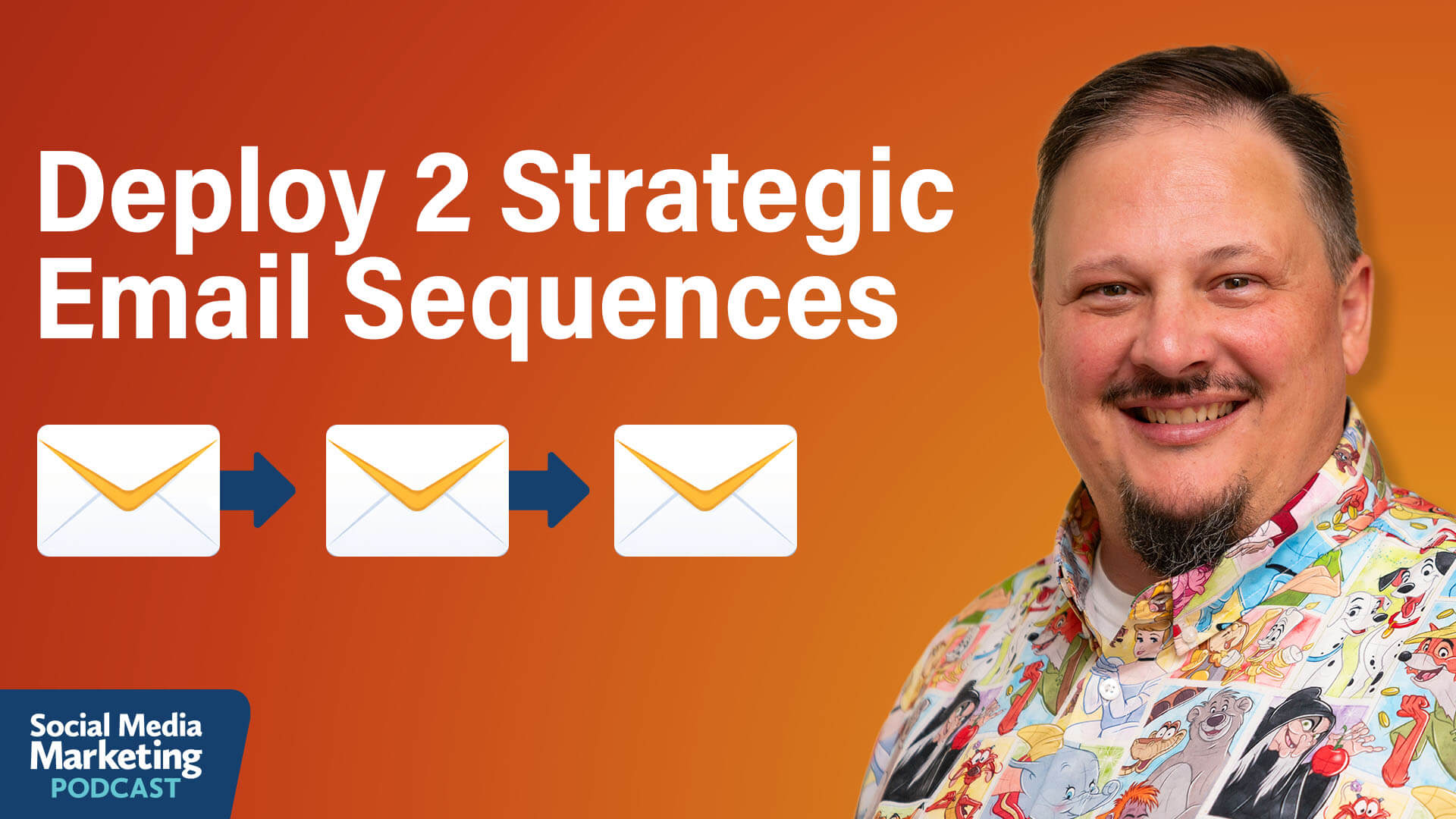
Building Email Communities: How to Grow a Raving Audience
Facebook groups get deleted, algorithm updates decimate reach, and features disappear overnight. Paul Gowder, the founder of the leading online community for Native American arts and culture, experienced this firsthand when Facebook deleted his 85,000-member group without warning.
Email offers something social media platforms can never guarantee: ownership. Social platforms change constantly. Your email list stays with you.
Entry-Level Email Sequences to Nurture and Grow Relationships
Entry email sequences are a great way to grow trust and loyalty with new audiences. Use these to answer questions that are often asked by people who are new to your business, experience, or product.
For Disney travel planners, a beginning sequence might look like this:
-
Email: What to pack for your first cruise.
-
Email: What to expect on embarkation day and how to check in.
-
Email: How to plan excursions and activities during the cruise.
Email Sequences to Resurface Your Best Content
Paul's Throwback Thursday sequence demonstrates how to systematically leverage existing content from your back catalog.
At the beginning of each year, Paul and his virtual assistant select the 52 blog posts they'll feature in the upcoming Throwback Thursday sequence. They write all 52 emails at once, ensuring consistent coverage of their best content.
Then, every Thursday, subscribers receive an email highlighting older content from PowWows.com. The sequence runs 52 weeks, covering 52 different pieces of content throughout the year.
For content creators with significant archives, this strategy ensures new subscribers see your best work regardless of when they joined your list. If your best podcast episode is number 5 but you're now on episode 700, new subscribers will never find it unless you surface it intentionally.
The approach works for any content format. Podcasters can create "Podcast Monday" sequences featuring their top 10-20 episodes. Bloggers can highlight their most valuable articles. YouTubers can resurface their best videos. The key is selecting evergreen content that remains relevant over time.
Three Ways to Get People Into Your Sequences
Paul uses several strategies to drive people into his email sequences, with some approaches working better than others.
His favorite tool is Grow.me, a plugin that embeds email opt-in forms in the middle of WordPress articles. As readers scroll through content, the opt-in form highlights itself, making it impossible to miss. On mobile devices, where sidebar and footer forms disappear, Grow.me ensures every reader sees the call to subscribe.
The plugin's real power comes from category-based targeting. If you write about multiple topics, you can display different opt-ins based on WordPress categories. A Disney travel planner could show cruise opt-ins on cruise articles, theme park opt-ins on theme park content, and all-inclusive resort opt-ins on resort posts. This topical relevance dramatically improves conversion rates.
Link triggers inside existing broadcasts provide another entry point. When sending weekly emails to your current list, mention other sequences you offer. Paul might write: "By the way, this is our 30th anniversary, and we're planning a big giveaway this summer. If you want to get on the waitlist and know when the contest starts, click here." When someone clicks, the email platform tags them and automatically enrolls them in the anniversary sequence.
Link triggers at the end of sequences work well, too. When someone finishes What to Expect at Your First Powwow, Paul mentions other relevant sequences with a call to action, such as "We also have a series on tracing your Native American family history," or "Join our Native American book club," or "Sign up for our travel group." This keeps people moving through additional sequences rather than dropping off your list.
Landing pages offer another highly effective approach. Paul creates clean pages with no navigation, headers, or footers—just text explaining the email series and an opt-in form. These pages work perfectly for podcast appearances, conference presentations, and even casual conversations. Paul can say, "Go to powwows.com/powwow101, and you'll get an email series over ten days explaining everything about attending your first pow wow."
These same landing page URLs work across social media. Share them in Instagram and Facebook stories, in reels, in social posts—anywhere you can add a link. Because the URL is simple and memorable, people can actually type it into their browser if they're watching a video where clicking isn't possible.
Pro Tip: Facebook lead ads deliver subscribers at a low cost. These ads let people opt in without leaving the Facebook platform, significantly reducing friction. Paul pays 12-20 cents per email subscriber through lead ads. Use an automation tool like Zapier to automatically transfer leads from Facebook to your email platform.
Other topics discussed include:
-
How to Let Your Audience Guide Your Email Sequence Development
-
How to Manage Email Sequence Frequency and Avoid Overwhelm
-
How to Write Emails That Feel Personal
Today's advice is provided with insights from Paul Gowder, a featured guest on the Social Media Marketing Podcast.
365 Days of Training…No Travel Required!
If joining thousands of marketers in Anaheim this April isn't an option for you, don't worry. Here's a great alternative:
A Virtual Ticket gives you access to recordings of ALL of the content from the Social Media Marketing World and AI Business World—including the sessions, keynotes, AND the extra day of workshops. Plus, you can stream the keynotes and sessions live.
Watch from the comfort of your home or office. No travel required! Ready to skip the crowds and have full access to everything?
Yes, I want the recordings.

Instagram Adds Collaborative Templates, Teleprompter & Interactive Reel Features in Edits: Instagram has rolled out several new tools to its Edits platform, giving creators more control and flexibility. Users can now share their custom templates with "Share as template" and use the built-in teleprompter to film with scripts or sticky notes. Drafts can be saved across devices and shared via DMs for faster collaboration. Interactive overlays are now supported through Link Reels, enabling clickable exports. Additional updates like Audio Ducking and Reverse provide smoother, clearer, and more creative video workflows. Instagram via Threads
LinkedIn Launches Guide to Boost AI Visibility of Owned Content: LinkedIn has published a new guide to help marketers adapt their content for AI-driven discovery, as LLMs are replacing traditional search. Shifting from keyword-first to answer-first strategies, the guide outlines tactics like answer block formatting, clear metadata, schema markup, and accessible design to improve how content is parsed and surfaced by AI. Developed in response to a 60% drop in non-brand keyword traffic, the framework helps brands stay visible in AI-generated answers and reflects LinkedIn's own tested content strategy. LinkedIn
LinkedIn Launches Premium All-in-One for Small Businesses: LinkedIn has introduced Premium All-in-One, a new subscription offering tailored to small businesses navigating limited time and resources. Designed for founders, solopreneurs, and small teams, it centralizes tools for sales, marketing, and hiring in a single dashboard. The plan offers AI-driven lead suggestions, InMail writing assistance, boosted content visibility, and profile-building tools. Early adopters report up to 60% more prospect replies and major gains in visibility. The platform aims to help small businesses grow faster with built-in guidance and automation. LinkedIn
Facebook Adds Meta AI Animations to Profiles, Stories, and Text Posts: Meta has launched new AI-powered creative tools on Facebook, letting users animate their profile pictures with fun presets like waves or party hats. Stories and Memories now support "Restyle" edits using AI prompts or preset visual styles. Feed text posts can also feature animated backdrops, enhancing visual expression and seasonal relevance. Meta
Meta Experiments With Instants App for Disposable Image Sharing: Meta is testing a new app called Instants, designed for one-time photo sharing with no filters or edits—essentially a standalone version of Instagram's experimental Shots feature. While still in internal testing with no public launch plans, Instants reflects Meta's continued push to capture the attention of younger users through simplified, fast-paced sharing formats. Social Media Today
Threads Launches Dear Algo to Let Users Customize Their Feeds in Real Time: Threads has introduced Dear Algo, a new AI-driven feature that gives users more control over their feed by letting them request more or less of specific content, temporarily adjusting what they see for three days. Users can activate it with a simple "Dear Algo" post and even apply others' requests to personalize their own experience. Currently available in the U.S., UK, Australia, and New Zealand, Dear Algo helps Threads feel more relevant and dynamic by adapting to real-time interests. Meta
TikTok Launches Local Feed to Boost Neighborhood Discovery and SMB Growth: TikTok is introducing a Local Feed tab to help users discover nearby businesses, events, and creators. The feature delivers geo-relevant content based on location and recency, offering a curated way to explore what's happening in the community. Backed by strong results from small business users, the Local Feed aims to convert digital discovery into real-world foot traffic. Users can optionally enable GPS location sharing for improved local recommendations, with full control and transparency. TikTok
TikTok Expands Entertainment Ad Solutions: At Berlinale 2026, TikTok launched two new performance-driven ad products across Europe—Streaming Ads and New Title Launch—designed to help studios and streaming platforms convert cultural buzz into measurable subscriptions and ticket sales. TikTok
YouTube TV Unveils New Themed Plans for Flexible Viewing: YouTube TV is rolling out over ten new subscription plans this week, giving users more control and lower-cost options tailored to their interests. Plans like Sports, Entertainment, and News + Family start as low as $44.99/month for new users and maintain key platform features such as unlimited DVR and multi-user access. Add-ons remain available for further customization. This move offers marketers new targeting paths across more segmented, interest-based subscriber groups. YouTube
YouTube Rolls Out Auto-Captions on Mute and Add Motion Tool for Shorts: YouTube has introduced automatic captions for mobile viewers who mute their device mid-video, improving accessibility during silent or noisy moments. Captions disable once the device is unmuted. Separately, YouTube's new "Add Motion" tool allows users to animate a photo of themselves into an 8-second Short using preset AI-powered motions. Available globally (except in the EEA, UK, and Switzerland), this feature makes it easy for creators to transform static content into dynamic Shorts, complete with captions, music, and automatic AI labeling. YouTube
YouTube Tests Smarter Notifications: YouTube is experimenting with a refined notification system that limits push alerts for subscribers who haven't recently engaged with a channel's content. While notifications will still appear in the inbox and Subscriptions feed, push alerts will pause to reduce overload and avoid viewers disabling all YouTube notifications. Frequent uploaders may be affected, while low-frequency channels are exempt. YouTube says the change could help creators retain reach by lowering app-wide opt-outs. Google
What Did You Think of Today's Newsletter?
Michael Stelzner, Founder and CEO
P.S. Add
michael@socialmediaexaminer.com into your contacts list. Use Gmail?
Go here to add us as a contact.
We publish updates with links for our new posts and content from partners. Your information: Email:
tukangpostemel@gmail.com Opted in on: 2021-09-06 17:03:43 UTC.




