Today's Guide to the Marketing Jungle from Social Media Examiner...
presented by 
Friday is almost here, Alluser! Before you unplug, here are the latest AI insights and updates for marketers. Whether you read them now or save them for later, you won't want to miss these.
In today's edition:
-
A prompt for humanized grammar from LLMs
-
How to create professional videos using AI tools that require no video training background
-
🗞️ Industry news from Gemini and Opal
Editor's Note
Last week's tip based on this video from Christopher Penn was incorrectly attributed to Christopher Pemm, due to an Editorial proofing error.
How to Soften AI's Perfect Grammar
We are taught that perfect grammar is good, but in marketing copy, "perfect" often sounds fake and robotic.
AI is trained to be grammatically flawless. You need to explicitly give the AI permission to break syntax rules—like using sentence fragments or starting sentences with conjunctions.
In a recent AI Business Society training, Ali Kelly explained how to make your copy connect better with humans:
You are writing persuasive marketing copy for a real human audience, not an academic paper. Prioritize emotional clarity, rhythm, and conversational flow over perfect grammar. You are explicitly allowed to: Use sentence fragments; Start sentences with conjunctions (And, But, So, Because); Use one-line paragraphs for emphasis; Occasionally repeat a word or phrase for rhythm; Break strict syntax rules if it improves readability or emotional impact; Use contractions freely. Do NOT sound robotic, overly polished, or formally structured. Avoid corporate phrasing and academic transitions (e.g., "Furthermore," "In addition," "It is important to note that"). Vary sentence length intentionally. Write with natural cadence, like a smart human explaining something out loud. If forced to choose between grammatical perfection and human connection, choose human connection.
This is a core part of the Humanizing AI training, available instantly when you join the AI Business Society.

AI Is Changing Marketing—Are You Keeping Up?
AI is transforming how marketers work, Alluser. The question isn't whether to use it—it's how well. At AI Business World, you'll get hands-on training with the latest AI tools so you can work faster, create better content, and outsmart your competition.
"My goal was to learn about AI, and I was blown away! This was everything I was hoping to learn plus more!" said Austin Dean.
Stop experimenting alone. Get a proven playbook at AI Business World.
I'm ready to master AI and improve my marketing.
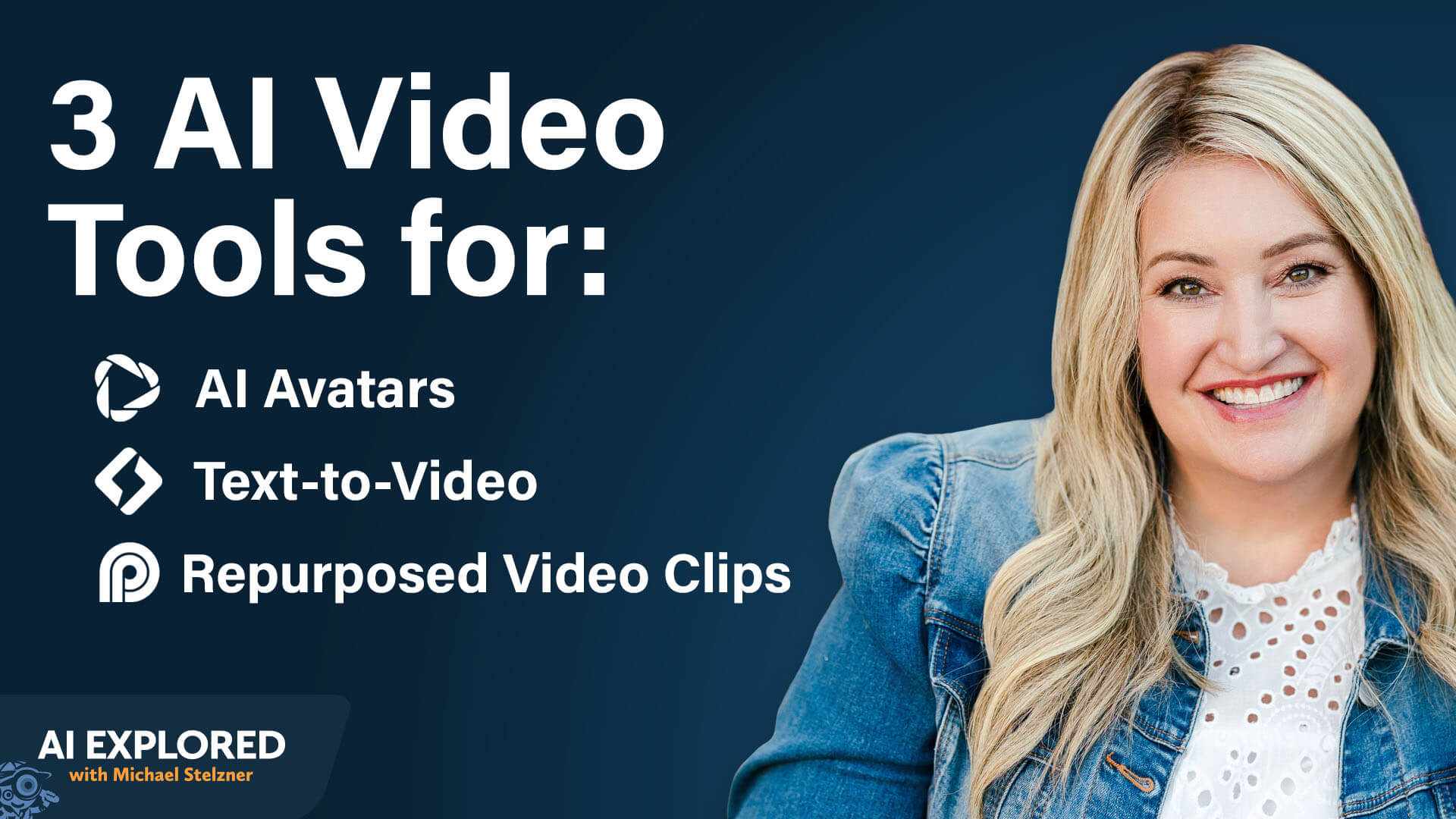
AI Video Made Easy: How to Create High Quality Content That Grows Your Business
Creating AI Video Avatars With HeyGen
HeyGen is the tool Stephanie uses to create AI video avatars. The platform allows you to create videos featuring an AI version of yourself speaking any script you provide, eliminating the need to film yourself repeatedly.
Training Your Avatar With Video
The process begins by uploading training material for HeyGen. This means providing real video of yourself speaking or delivering content. It doesn't need to be anything fancy or professional recordings. You can use footage from your phone, or if you don't have any existing footage, you can record directly in the software.
The quality of your training video will impact the quality of your avatar output. Stephanie recommends using high-quality video if you have it, but emphasizes that she doesn't want people to feel like they can't use this technology if they don't have professional footage. There are ways around it.
When Stephanie created her avatar, she uploaded about two hours of clips from different presentations and videos she had done. The variety of clips helped her dial in her mannerisms. Using footage from different occasions meant the AI learned from her wearing different clothes, hairstyles, and settings. This gave the system variety in her facial expressions, voice tone, and hand movements, preventing that uncanny valley feeling when watching the final avatar.
For people who don't have existing high-quality footage and want to create good training content, Stephanie offers straightforward equipment advice. You can get a light, inexpensive microphone to achieve good sound quality.
Stephanie uses a Blue Yeti microphone that she's had for five years. For lighting, she has an Elgato light that cost $100 at the time, though it might be even less expensive now.
She keeps her setup simple with the light right behind her monitor. The key is that she's very low maintenance with her equipment. This isn't about having professional studio equipment. It's about having good-enough quality to train an effective avatar.
Training Your Avatar's Voice
For voice training specifically, Stephanie read her entire book aloud, using inflection and variation to keep the listener engaged. Just like when speaking naturally, she varied her tone, pace, and pitch throughout the reading to capture how she shows up in real life.
Creating Videos With Your Trained HeyGen Video Avatar
Once you have your avatar built, creating videos becomes remarkably simple. You write a script, feed it to HeyGen, and your avatar takes it from there. The generation process takes a few minutes, though the time depends on the script length. In Stephanie's case, it usually takes a few minutes, and then it's done.
The most time-consuming part is creating the avatar itself. Once that's done, it's simply a matter of feeding it a script and letting it generate the video.
Scripting for Natural Speech
Because you don't always write the way you speak, Stephanie has a specific approach to scripting. She reads all of her scripts aloud before using them to make sure she's not falling into overly polished writing that doesn't sound like a human conversation.
She sometimes even intentionally adds filler words that you might think you would delete. For example, the word "um" is normal in a conversation. She notes that many people want to edit out every "um," but she doesn't think you should. Having an occasional "um" makes the content more real.
Video Quality Control and Iteration
The generated video doesn't always come out perfect. When that happens, Stephanie simply regenerates it, just like with any other AI tool. She watches each video to check the quality before using it.
The main things to look for include how your eyes behave (Are you blinking at a normal and natural pace?) and whether your voice sounds like you. Sometimes the AI can get carried away, making your voice sound deeper or higher than usual. When that happens, you can make small tweaks in the video editing studio provided by HeyGen.
However, Stephanie has never had an experience in which she watched a video and found it horrible. Everything she's found has been 90% to the finish line, just needing a few i's dotted and t's crossed.
4 Practical Use Cases for HeyGen AI Video
You can create evergreen webinars using your avatar.
If you've written blogs over the past 15 years, you can feed them to AI avatar software, and it will create video versions of your blog posts, making your content richer and more accessible.
If you've written a book, you can have your avatar read sections of it and then use other tools to automatically slice and dice it into short-form video content. This gives you months' worth of short-form video done literally instantly.
You can update courses without rerecording everything. If you have courses that are mostly worksheets and written material, or if your videos are outdated because things have changed, you can create new video versions of your course content without having to set up a camera and film yourself again.
Other topics discussed include:
Today's advice provided with insights from Stephanie Nivinskus, a featured guest on the AI Explored podcast.

Google Labs Adds Agentic Intelligence to Opal Workflows: Google Labs has upgraded Opal with a new agent step that transforms static workflows into dynamic, goal-driven experiences. Instead of manually configuring model calls, the agent autonomously selects the appropriate tools and models—such as Web Search or Veo—while interacting with users to refine outputs. The update introduces persistent memory, dynamic routing, and interactive chat capabilities, enabling Opals to function more like collaborative AI partners while still offering builders control over structured workflows. Google
Google Launches Gemini 3.1 Pro: Google has released Gemini 3.1 Pro in preview, positioning it as a smarter baseline model for complex problem-solving across science, research, engineering, and creative workflows. Rolling out across the Gemini app, NotebookLM, Vertex AI, Gemini Enterprise, and developer tools like AI Studio and Antigravity, 3.1 Pro is designed to power advanced reasoning and agentic workflows, with higher limits available to Google AI Pro and Ultra subscribers. Google
Gemini Adds AI Music Generation with Lyria 3, Expands to YouTube Shorts: Google has launched Lyria 3 in beta within the Gemini app, allowing users to generate 30-second music tracks from text prompts, photos, or videos with automatic lyrics and customizable style controls. Designed for creative expression rather than artist mimicry, the model embeds SynthID watermarking for AI transparency and adds new audio verification tools. Lyria 3 is also powering improved soundtrack creation through YouTube's Dream Track for Shorts creators, signaling Google's push to integrate generative audio more deeply into consumer and creator workflows. Google
What Did You Think of Today's Newsletter?
Michael Stelzner, Founder and CEO
P.S. Add
michael@socialmediaexaminer.com into your contacts list. Use Gmail?
Go here to add us as a contact.
We publish updates with links for our new posts and content from partners. Your information: Email:
tukangpostemel@gmail.com Opted in on: 2021-09-06 17:03:43 UTC.




