Today's Guide to the Marketing Jungle from Social Media Examiner...
presented by 
Friday is almost here, Alluser! Before you unplug, here are the latest AI insights and updates for marketers. Whether you read them now or save them for later, you won't want to miss these.
In today's edition:
-
Tutorial: Google Mixboard
-
7 prompts to produce high-quality, AI-generated brand assets
-
🗞️ Industry news from Claude, OpenAI, and more
How to Use Google Mixboard to Create Marketing Assets
Have a clear visual concept in mind—but struggling to explain it? Mixboard, a new experimental tool from Google Labs, offers a free and surprisingly effective way to turn loose creative ideas into a cohesive visual direction.
In this walkthrough from Molly Mahoney, you'll see how to use the tool to generate a full aesthetic—from mood boards and social media templates to quote cards and image variations—with nothing more than a few descriptive keywords.
If you work visually but don't always have time or budget to work with a designer, Mixboard makes it easy to explore different looks, edit images with simple prompts, and build a visual identity that actually matches your brand's tone.
You'll also see how this tool supports efficient content creation: refining images, generating new versions based on what you like, and even producing presentation-ready slides directly from your mood board. Watch more here.

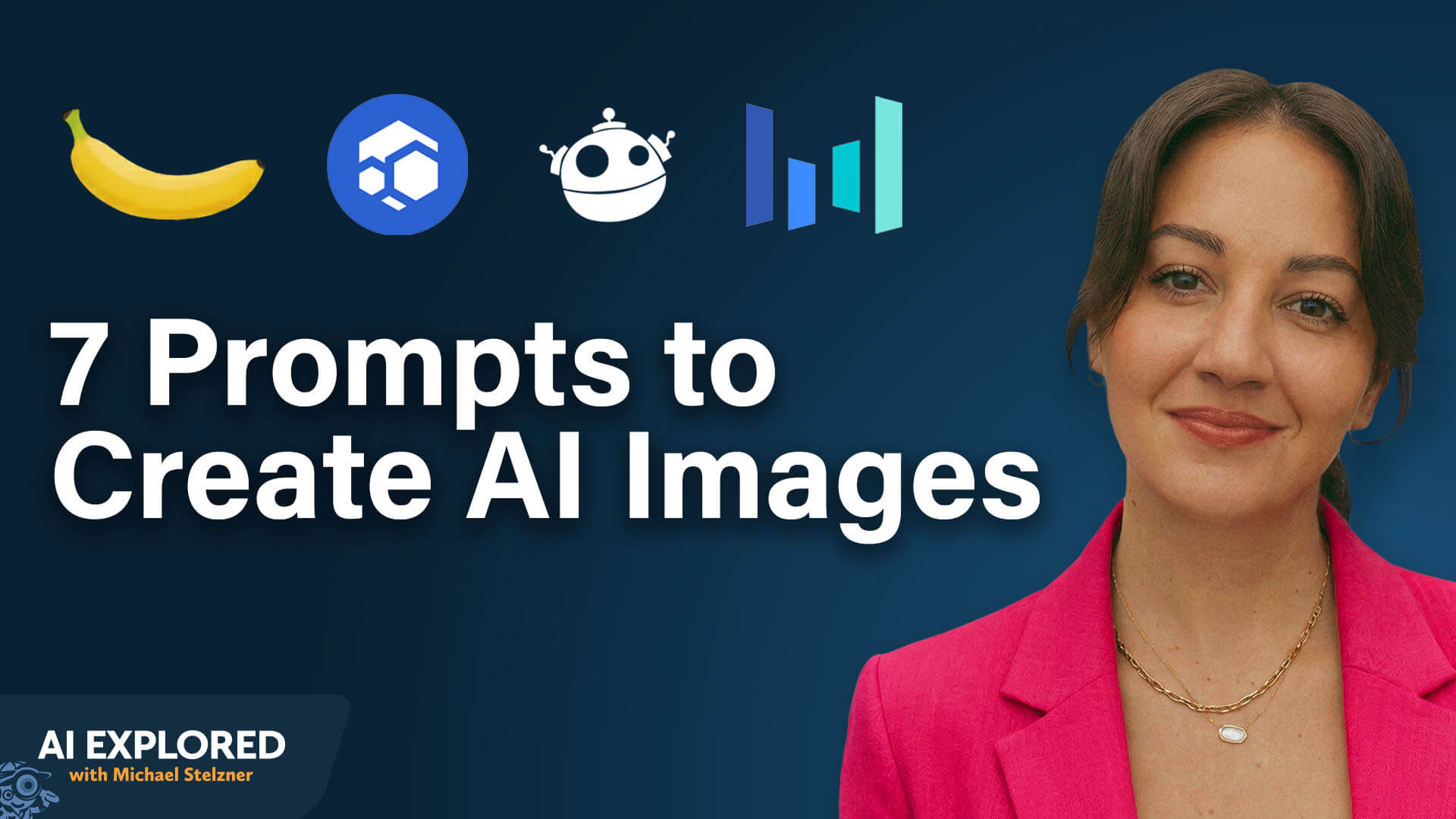
AI Images for Business: Tools, Prompts, and Strategy
You need to grasp two concepts before creating images: describing what you want to see, and understanding how image models work and what makes them different.
Nano Banana and Nano Banana Pro: Nano Banana and Nano Banana Pro are Google's image models. Most image models were trained on images and their metadata. Nano Banana works differently—the model uses Google Gemini as a large language model on the back end, giving Nano Banana all the world knowledge of Gemini while creating images.
This enables real-time capabilities. You could tell Nano Banana to find the weather forecast for Chicago for the next week, specify colors and style, and the model will retrieve that information and generate a gorgeous infographic with the weather data.
Nano Banana Pro excels at text. You can include full paragraphs of text in images and the model nails text generation. Before Nano Banana, text in AI images looked like gibberish. Even now in Midjourney, you'll still get poor text quality.
Nano Banana Pro also replicates faces properly. The model outperforms others at recreating and pulling actual data to analyze and use. You can drop in a mood board, tell Nano Banana Pro to act like a graphic designer, analyze the mood board, and generate a website mock-up using that brand aesthetic combined with what the model knows about good websites. Nano Banana Pro will deliver a solid starting place. Using the model as a creative consultant or counterpart is incredibly powerful.
See Dream: See Dream produces different poses and more saturated, intense color. Even with the same prompt, Seed Dream generates very different looks with more saturated, intense colors. Seed Dream also offers a 4K model, allowing you to get much larger images without upscaling.
Flux: Flux is a tool by Black Forest Labs, and they're really good with images. Flux is really good at editing, so good in fact that Adobe put Flux into Photoshop alongside Nano Banana.
Freepik: Lauren uses Freepik to access all these different models in one interface. Instead of paying for multiple models separately and learning different user interfaces, you learn one interface and select from different models depending on your project.
The Seven-Pillar Prompt Framework for Exceptional AI Image Generation
Lauren developed a seven-pillar framework that captures all the necessary detail in your prompts. The core principle: if you don't tell the AI, the AI doesn't know. The AI can't read your mind and will make up what the AI thinks you want.
This framework will help you get the image you want. Below, you'll find the first two prompts you'll work with
#1: Subject Prompt
The subject is the focus of your image.
For a person, describe: short hair or long hair, curly or straight, brown or blonde, skin color, body type. All these details matter when describing a person.
For a product, describe: is the product a can, a box, a bottle, a cylinder? The physical details of the subject are crucial.
The level of detail you provide depends on how specific you want to get. If you have an exact vision—maybe an older woman with wrinkles, age spots, a weird scar on her left eyebrow, and an interesting haircut with a pink stripe—include all those details.
If you care less about the exact identity and just need an older woman, you could say "an older woman in her seventies wearing a woolly scarf." The choice is about how much direction you want to provide.
A woman in her early thirties with warm olive skin, shoulder-length dark brown hair worn loose with natural waves, and faint freckles across her nose. She has an average build, expressive dark eyes, and slightly chapped lips. She's wearing a tailored camel wool coat, a soft cream knit sweater, slim black trousers, and worn leather ankle boots. She's holding a matte ceramic takeaway coffee cup with a black lid, faint steam rising from it.
#2: Action Prompt
The action tells the story of what's happening in the image.
For a person, is she walking, running, or limping? Yes, the image is static, but if she's running, her hands are pumping. If she's walking, her hands are down by her sides. If she's limping, maybe one knee is slightly lower than the other.
Is she in a hurry? Standing in a line? Staring into space? On her phone? What is she doing to tell the story?
Think about what happened right before this shot and what's about to happen right after, then describe what she's doing in the middle of the moment in the image.
For a product, maybe the product is floating, balancing, stacked, or being opened. Even a cup of coffee or water bottle needs an action. Is the cup sitting softly or pushed in? What is that object doing to tell the story rather than just existing?
She is mid-step, walking slowly but purposefully, gently lifting the coffee cup toward her mouth as if about to take a sip. Her other hand is tucked into her coat pocket. Her posture suggests she's lost in thought—calm, reflective, and unhurried—caught in the moment between errands.
Other topics discussed include:
Today's advice provided with insights from Lauren deVane, a featured guest on the AI Explored podcast and speaker at AI Business World, part of Social Media Marketing World.


How Sora's Feed Works: OpenAI has outlined its feed philosophy for Sora, focusing on empowering users to explore creative expression while maintaining a safe, personalized experience. The feed favors content that sparks participation, ranks connected posts higher, and gives users control over their experience with steerable preferences and parental settings. With safety embedded at the generation layer and reinforced by automated scanning and human review, Sora aims to balance openness with protection—especially for teens. The system learns from engagement and feedback, evolving alongside user needs. OpenAI
Claude Agent Unlocks Autonomous Coding Inside Apple's IDE: Apple has introduced native support for the Claude Agent SDK in Xcode 26.3, marking a major step forward in AI-powered app development. With this integration, developers can delegate long-running tasks to Claude directly inside the IDE—leveraging visual Previews, autonomous task execution, and full-project awareness. The update streamlines building high-quality SwiftUI interfaces and enhances productivity for solo developers and small teams. Xcode 26.3 is now available as a release candidate to Apple Developer Program members. Anthropic
OpenAI Rolls Out Codex App for macOS for Multi-Agent Workflows: OpenAI has launched the Codex app for macOS, a powerful new command center for developers to manage, delegate, and supervise multiple AI agents across coding and technical tasks. Built for deep integration with CLI and IDE workflows, Codex now supports custom "skills," scheduled Automations, and secure sandboxed execution. The app is available to all ChatGPT paid users—and temporarily to Free and Go users—with usage surging since the release of GPT‑5.2. Developers can now tailor Codex's personality, extend its capabilities, and orchestrate complex builds with unprecedented flexibility. OpenAI
OpenAI to Retire GPT‑4o and Legacy Models from ChatGPT: OpenAI will retire GPT‑4o, GPT‑4.1, and related legacy models from ChatGPT on February 13, 2026, as most users have moved to GPT‑5.2. The decision reflects a broader shift toward personalization and tone control, with GPT‑5.2 offering improved warmth, creativity, and user-adjustable styles. While GPT‑4o was briefly restored to help users transition, OpenAI says its spirit lives on through GPT‑5 updates shaped by user feedback. The company also noted continuing efforts to make ChatGPT more intuitive and adult-friendly. OpenAI
Chrome Adds Gemini-Powered AI Tools and Agentic Browsing Features: Google has rolled out major updates to Chrome by integrating its Gemini 3 model, introducing a side panel for multitasking, on-the-fly image editing with Nano Banana, and expanded support for Google Connected Apps. A new "auto browse" capability lets users delegate complex workflows like appointment scheduling or trip planning to AI agents. Chrome will also support the Universal Commerce Protocol to facilitate secure, seamless shopping via AI. Google
Apple Launches Creator Studio Pro with AI Tools for Creative Efficiency: Apple has released Creator Studio Pro, a new $12.99/month subscription bundle featuring enhanced versions of its creative and productivity apps like Final Cut Pro, Logic Pro, and Pixelmator Pro. The suite introduces AI tools designed to assist — not replace — creators, including transcript search, beat detection, chord extraction, and slideshow generation from notes. With a privacy-first design and flexible purchase options, Apple positions this suite as a friendly alternative to Adobe's offerings, especially for indie and semi-pro creators. TechCrunch
What Did You Think of Today's Newsletter?
Michael Stelzner, Founder and CEO
P.S. Add
michael@socialmediaexaminer.com into your contacts list. Use Gmail?
Go here to add us as a contact.
We publish updates with links for our new posts and content from partners. Your information: Email:
tukangpostemel@gmail.com Opted in on: 2021-09-06 17:03:43 UTC.




