Today's Guide to the Marketing Jungle from Social Media Examiner...
presented by 
The weekend is almost here, Alluser! Here's a recap of the most important insights, trends, and updates from the week. Catch up in minutes and go into next week prepared.
In today's edition:
-
Meta ad click tracking is changing
-
The pre-prompting hack that saves you AI credits
-
Five major Instagram updates and how to use them
-
The Leadership Lexicon to train AI tools on your unique knowledge and personality
-
🗞️ Industry news from Claude, Meta, YouTube, and more

Do Your Meta Ads Suddenly Look Like They're Getting Fewer Clicks?
For years, a click-through conversion didn't actually require someone to click your link. A reaction, comment, share, or even expanding the media on an ad could count as a click before a later conversion.
Now that's changing.
Meta is tightening the definition so click-through attribution only counts conversions after a link click. At the same time, a new attribution category will capture conversions tied to non-link interactions, such as reactions, comments, and other forms of engagement: engage-through.
On paper, this sounds like a simple clarification. In practice, it could make campaign performance appear different overnight.
Jon Loomer explains what's happening behind the metrics. Read more here.
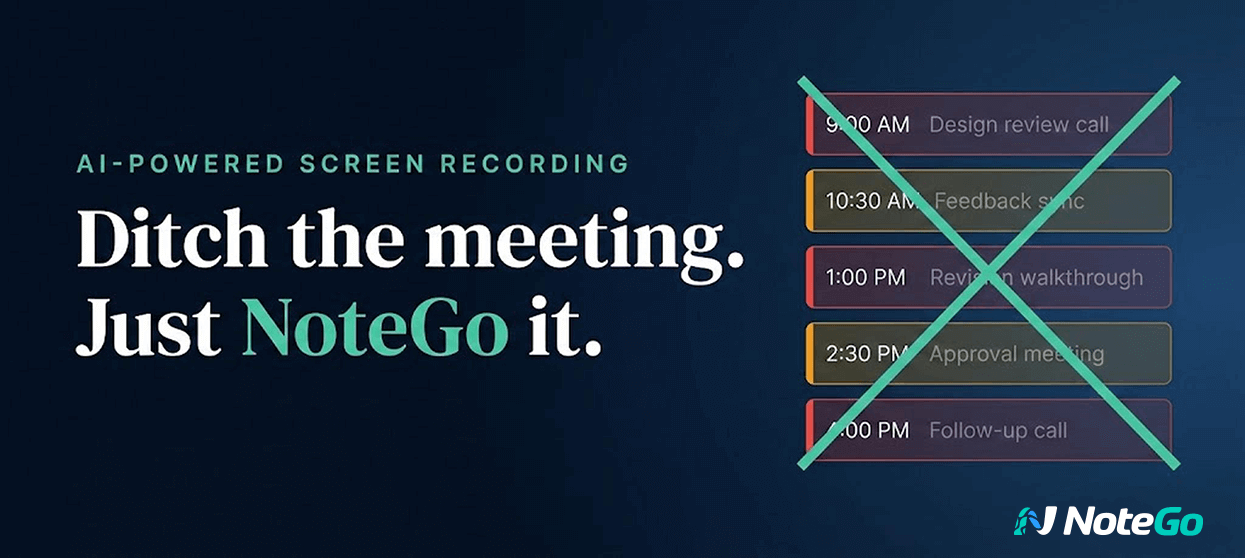
Reclaim 8+ Hours Every Month—That's a Full Work Day Back!
What if you never had to schedule another feedback meeting?
With NoteGo, you record your screen, mark up exactly what needs to change, and AI automatically creates summaries, chapters, and key moments. Your team gets it right the first time—no clarification calls needed.
It only takes 41 seconds to see how it works. Ready to ditch the meeting?
Yes, show me NoteGo in action.

Stop Paying for So Many AI Credits
If your current AI workflows are using credits too quickly, Marissa Shadrick has a fix for that.
To optimize your use of AI platforms that charge by credits, perform your initial brainstorming, editing, and prompt refinement in a separate, general-purpose AI tool like ChatGPT.
Then you can move your finalized prompt to the app-building platform.
For more AI tactics and strategies that boost efficiency and save valuable resources, check out the AI Business Society.
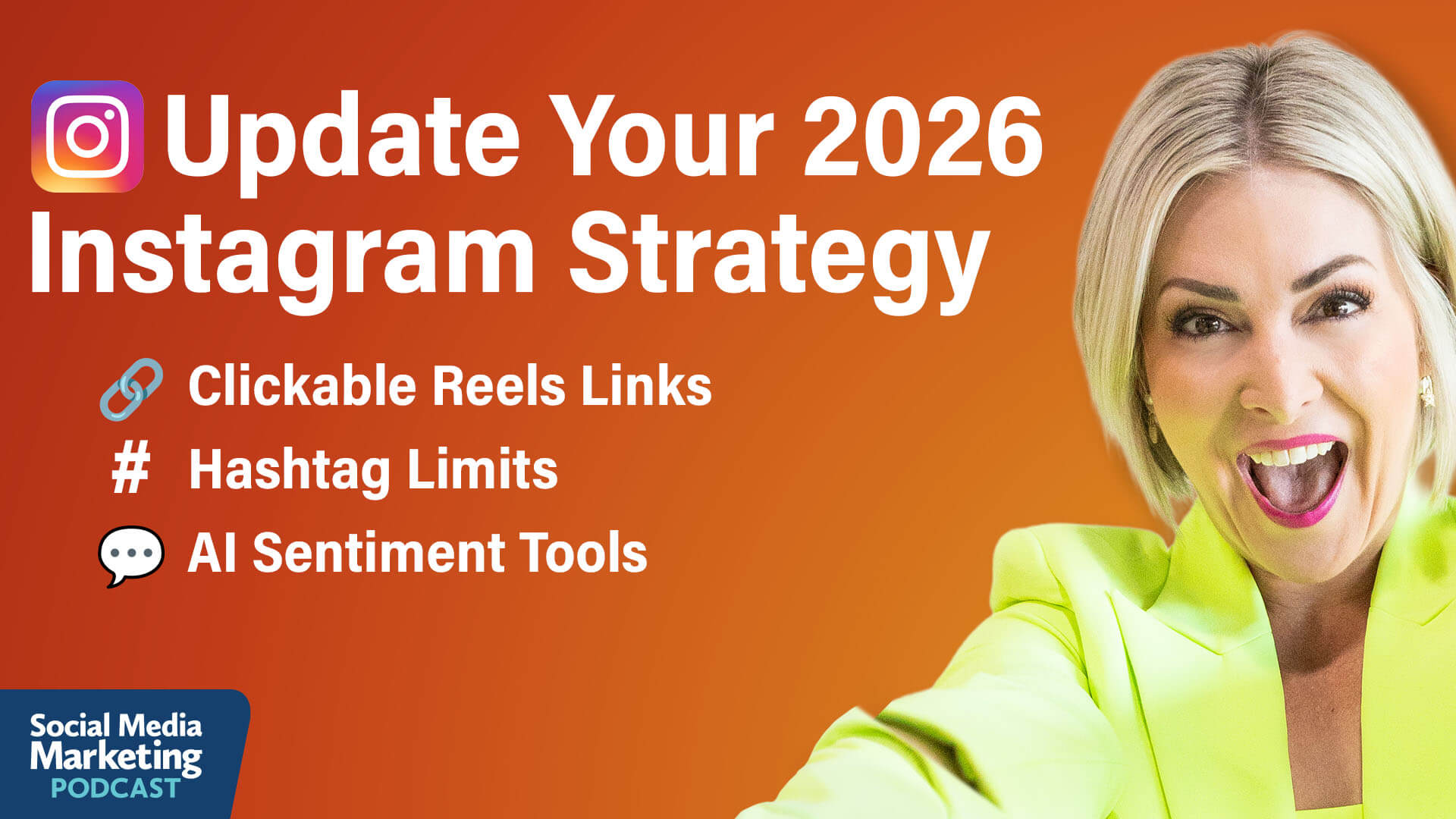
What Clickable Reels Links and Hashtag Limits Mean for Your 2026 Instagram Strategy
Instagram Edits App Adds Clickable Links in Reels
Instagram now allows creators to add clickable overlay links directly on reels when exporting from the Edits app. These links appear as visual elements on the video itself rather than just text in the caption, and they can direct viewers to other Instagram profiles or public reels.
Chelsea describes the visual presentation as similar to YouTube's card system. When linking to a profile, a bubble appears on the reel showing the profile photo and username. When linking to another reel, viewers see a preview that they can click to watch the next content.
This visual presentation works significantly better than plain text links because viewers can see what they're clicking toward rather than encountering a generic link with no context. However, Chelsea acknowledges that new features only work when consumers learn to use them. She's tried using cards in her content before but has seen minimal click-throughs. The key will be whether these visible overlays perform better than hidden link features because they're more obvious and visual.
Strategic Use Cases for Clickable Links in Reels
Chelsea sees this as particularly valuable for creators running signature series, which have become very popular on Instagram. Creators can now say, "If you want to check out the next video in this series, just click here," while pointing to the visible overlay showing the actual next episode.
She compares the functionality to YouTube, where she regularly clicks on suggested videos when creators reference additional content during their videos.
Another use case works for educators and B2B marketers creating tutorials or process-based content. If a video covers Step 3 of a multi-step process, creators can use link overlays to direct viewers back to Step 2 or forward to Step 4. This lets viewers navigate directly to the information they need.
However, these clickable links only work within Instagram's ecosystem. They cannot direct viewers to external websites or landing pages outside the platform. Chelsea notes that Instagram's strategy is to keep users on the platform and get them to consume as much content as possible in a single session, using what she calls the "video funnel."
A Workaround for External Links
Chelsea has used a strategy that becomes even more valuable with clickable overlays. She created a podcast Instagram account once with a specific external link in its bio, even though she had no intention of growing that account. By linking to that profile in her reels, viewers could easily access the external link in that account's bio.
Instagram Hashtag Limits
Instagram announced it reduced the hashtag limit from 30 tags per post down to just 5, but Chelsea reveals she's actually limited to only 3 hashtags, suggesting Instagram may be testing even stricter limits with power users before rolling out further reductions to everyone.
At the same time, Instagram continues to discourage generic hashtags like #reels or #explore, warning that they can negatively impact reach. Chelsea interprets this as the platform recognizing when creators try to game the system with irrelevant tags, noting that the AI will recognize when hashtags don't match the actual content.
The platform's AI analyzes every word in captions, listens to what creators say in videos, and even recognizes objects creators hold on camera. She's seen Instagram correctly identify books she held in videos, even when she never mentioned the book title out loud. The summary feature picked up the book name just from the visual.
Michael Stelzner further explains that hashtags originated on Twitter as a way to categorize content so the platform could intelligently serve relevant material to users. For many years, Instagram users maxed out at 27, 28, or all 30 hashtags because that's how the system understood what content was about and who should see it.
Now, with advanced AI, hashtags serve little purpose. The algorithms understand synonyms, so creators don't need to include every possible keywords variation.
Strategic Tips for Instagram Hashtags
Chelsea treats hashtags simply as keywords with a pound sign in front, focusing on what her ideal clients would search for and the topics her content actually covers.
She sometimes posts without any hashtags and still gets the AI summary showing what Instagram thinks the content covers, and distribution works normally.
In the future, Chelsea believes Instagram might hide hashtags from view or eliminate them entirely, noting that Instagram attempted to hide hashtags on Threads. As the limit drops from 5 to 3 and potentially to 1 or 0, she expects the feature will eventually phase out completely.
Other topics discussed include:
-
Instagram's Exclusive 24-Hour Early Access Reels
-
Instagram Reels Insights Tools
-
Instagram's AI-Generated Content Sentiment and Ideation Tools
-
Instagram Customizable Reels Algorithm
Today's advice is provided with insights from Chelsea Peitz, a featured guest on the Social Media Marketing Podcast.

Clone Your Knowledge: Getting AI to Truly Sound Like You
Before collecting information to train AI, you need to understand what distinguishes expert knowledge from generic information.
Think about what makes your approach different from everyone else in your field. This includes proprietary frameworks you've developed, specific language you use with clients, and strong opinions about industry best practices. These elements create your distinctive expertise.
Your knowledge should capture your identity, values, opinions, frameworks, how you think, how you show up, and your stories and lived experiences. These are critical elements that need to go into your core knowledge base.
Collect Your Raw Knowledge
The collection phase involves systematically gathering the raw materials that define your expertise. This is where you capture the raw knowledge without worrying about perfection.
Loren keeps what she calls an AI brain dump on her computer. Whenever she's doing something and thinks it's important to put into her AI tools, she dumps it into this folder. These are organized buckets—could be a Google Drive folder where you drag things in or link to them.
Document Core Beliefs About Your Industry and Methodology
Loren recommends using AI itself to help with this process and surface unconscious expertise—the things you do automatically but haven't formalized into documented knowledge.
Collect Content You've Already Created
This includes blog posts, emails, transcripts from training that contain your key frameworks, and training materials. For blog posts, Loren uses a tool called Manus that scrapes all her blog posts from her website and delivers them as formatted documents, without sidebar clutter or links.
Look for content that demonstrates how you think, not just what you know. The goal is to capture your problem-solving approach, your decision-making criteria, and your strategic perspective. Don't overthink structure at this stage—just find a single place and dump everything there.
She also uses a custom GPT called Sammy Snapscribe for transcribing handwritten notes.
Process Your Raw Knowledge Into Personal DNA and Business DNA Documents
Raw information needs to be processed before AI can effectively learn from it. This phase involves curating, cleaning, and aligning your knowledge. This is the unsexy but most important step that takes considerable time.
You're not just tidying up documents—you're deciding how your knowledge should be grouped, interpreted, and used. Loren created two foundational documents.
Loren warns against creating one massive knowledge file that tries to contain everything. Instead, one knowledge file should be about one thing.
For example, keep your pricing list separate from your product descriptions. Products and services might not change often, but pricing might. When you split them out, you can just update the price list without having to go through every product detail in a huge document.
This granular approach prevents your AI from getting confused or drowning out core information in noise. It also makes ongoing updates much easier as your business evolves.
Personal DNA Documents
Personal DNA captures how you think, your stories, your values, and your vision. It includes everything that's really specific to you. Loren created a custom GPT called Perry Personal DNA Producer that interviews her to extract this information. Perry reviews all collected documents and might pick up additional things you haven't already thought of.
Logging personal details in a story bank is important in this setup. These tell AI about the stories that matter to you—the personal details that make your voice distinctive.
These details might seem trivial, but they're powerful.
Loren's Leadership Lexicon knows she does parkrun every Saturday without fail. It knows she loves swimming and stand-up paddleboarding. When Loren asks for an analogy, her AI might use a stand-up paddleboarding metaphor because it's part of who she is and how she would naturally talk.
Business DNA Documents
Business DNA is a snapshot of your business, including goals, SWOT analysis, who you're serving, and how you're doing it. Loren has a brand and business DNA builder that helps create this document.
Other important knowledge files include brand voice, ideal customer avatars, products and service lists, and pricing lists. Many people think this is already on their website, but AI tools won't search your website to find this information. You need to put it in and keep these things updated when you add or remove products.
Include limiting buying beliefs and positioning statements—how you overcome customer objections in the content AI might create. Add your content asset libraries like podcasts, courses, and blog posts, but really distill them.
Another critical knowledge type to include is limiting buying beliefs and positioning statements. Your customers often have concerns like "it might not be right for me because..." You need to train your AI on these objections and the positioning statements you use to overcome them. This ensures any content your AI creates is strategically sales-aligned, not just on-brand.
You can also include frequently asked questions, testimonial reviews, and SOPs. Human judgment is super important here—remove any duplication and outdated information or thinking. Multiple documents might contradict each other, so sense-check and take out contradictory bits.
Other topics discussed include:
-
Building Your AI Assistants
-
Testing Your AI Assistants
-
Leadership Lexicon Case Studies
Today's advice provided with insights from Loren Bartley, a featured guest on the AI Explored podcast.

Need to Improve Your Marketing Plan?
Have you noticed a decline in your marketing results? Are you looking for a better way forward?
Your solution: Social Media Marketing World
"I have absolutely found what I needed here. It's been a jam-packed three days. Every single session I attended, I've been able to take away probably three things, minimum, that I am going to be able to immediately implement," said Jules McGuire.
Get your All-Access Ticket today!
Discover what works from leading marketers.

Instagram Expands Edits With New Effects, Creative Planning Tools, and Auto-Highlight Captions: Instagram has introduced a series of updates to Edits, adding 11 new object-focused effects, customizable overlay animations, and an upgraded Ideas tab that consolidates saved audio and creative assets into a single workspace. The platform also launched auto-highlight captions, enabling creators to emphasize selected words with customizable colors. Instagram via Threads
Meta Tests AI-Powered Shopping Recommendations in Meta AI Chat: Bloomberg reported that Meta is piloting a new shopping research feature within its Meta AI chatbot that delivers product carousels in response to shopping-related queries. The test displays product images, prices, brand details, and links to purchase, along with AI-generated explanations of the recommendations. Currently rolling out to select U.S. users on the Meta AI web interface, the feature signals Meta's move to integrate commerce directly into conversational AI as product discovery shifts toward AI-powered search. Social Media Today
Meta Updates Ad Measurement to Better Reflect Social Engagement and Align With Third-Party Reporting: Meta is rolling out changes to simplify click-through attribution by limiting it to link clicks only, reducing discrepancies between Ads Manager and third-party tools like Google Analytics. At the same time, the company is reclassifying non-link interactions—such as shares and saves—under a renamed engage-through attribution model to better capture the unique value of social engagement. With additional updates to video engagement definitions and new partnerships with analytics providers, Meta aims to provide clearer, more consistent reporting while helping advertisers understand both direct clicks and broader social-driven impact. Meta
X Launches Paid Partnership Labels: X has introduced Paid Partnership labels for posts, enabling creators and brands to clearly disclose sponsored content. The move is designed to enhance transparency, support regulatory compliance, and reinforce trust in platform conversations. By formalizing disclosure tools, X aims to balance creator monetization with its emphasis on authentic engagement. X
YouTube Expands Studio Payment Insights for Multi-Channel Creators: YouTube has enhanced its Studio payment activity feature to support creators managing multiple channels under one AdSense account. The update provides aggregated payment metrics across all linked channels, individual channel breakdowns, and a 12-month payment history view. Access is limited to users with revenue permissions tied to a single email, giving multi-channel creators clearer financial oversight within YouTube Studio. YouTube
Google Expands Gemini Across Docs, Sheets, Slides, and Drive for AI-Assisted Creation: Google has rolled out new Gemini-powered capabilities across its Workspace apps, enabling to Google AI Ultra and Pro subscribers to generate documents, build spreadsheets, design presentations, and analyze files using AI. The updates allow Gemini to pull contextual information from emails, documents, and the web to create personalized drafts, automatically populate spreadsheets, generate slides, and answer complex questions about stored files in Drive. Google
OpenAI to Acquire Promptfoo to Strengthen Enterprise AI Security Testing: The technology will be integrated into OpenAI Frontier, enabling enterprises to embed automated red-teaming, vulnerability detection, and governance tools directly into their AI development workflows. By bringing Promptfoo's security testing capabilities into Frontier, OpenAI aims to help organizations deploy AI agents more safely while meeting increasing requirements around compliance, oversight, and risk management. OpenAI
OpenAI Launches GPT-5.4 as Its New Frontier Model for Professional Work: OpenAI has released GPT-5.4 across ChatGPT, the API, and Codex, positioning it as its most capable and efficient model yet for professional workflows. The model combines advances in reasoning, coding, computer use, and agentic tool workflows, with major improvements in spreadsheets, presentations, documents, and deep web research. GPT-5.4 also introduces native computer-use capabilities for developers, experimental 1M-token context support in Codex, and more efficient operation across large tool ecosystems through tool search. With GPT-5.4 Thinking rolling out to paid ChatGPT users and GPT-5.4 Pro is targeting higher-end enterprise and power-user needs. OpenAI
Google Brings Canvas to AI Mode in Search for Building Tools and Projects: Google has launched Canvas in AI Mode for Search, giving users a dynamic workspace to create documents, dashboards, and custom tools directly within the search interface. The feature supports both creative writing and coding, generating interactive prototypes that draw on real-time web data and Google's Knowledge Graph. Users can inspect and refine the underlying code through conversational prompts. Google
Claude Code Introduces Voice Mode for Push-to-Talk Prompting: Anthropic is rolling out a new voice mode in Claude Code that enables developers to dictate prompts directly into the editor using a push-to-talk interface. By holding the spacebar, users can speak parts of their prompt, with transcripts appearing at the cursor alongside typed input. The feature is currently available to a small group of users and will expand in the coming weeks across Pro, Max, Team, and Enterprise plans, with voice transcription tokens not counting toward usage limits. Anthropic via Thariq on X
What Did You Think of Today's Newsletter?
Michael Stelzner, Founder and CEO
P.S. Add
michael@socialmediaexaminer.com into your contacts list. Use Gmail?
Go here to add us as a contact.
We publish updates with links for our new posts and content from partners. Your information: Email:
tukangpostemel@gmail.com Opted in on: 2021-09-06 17:03:43 UTC.